
HVAC
HVAC lead management for service calls and system replacements
Keep heating and air conditioning inquiries organized through busy periods and longer sales conversations. Respond to new interest, follow up installation quotes and see which inquiries become customers.
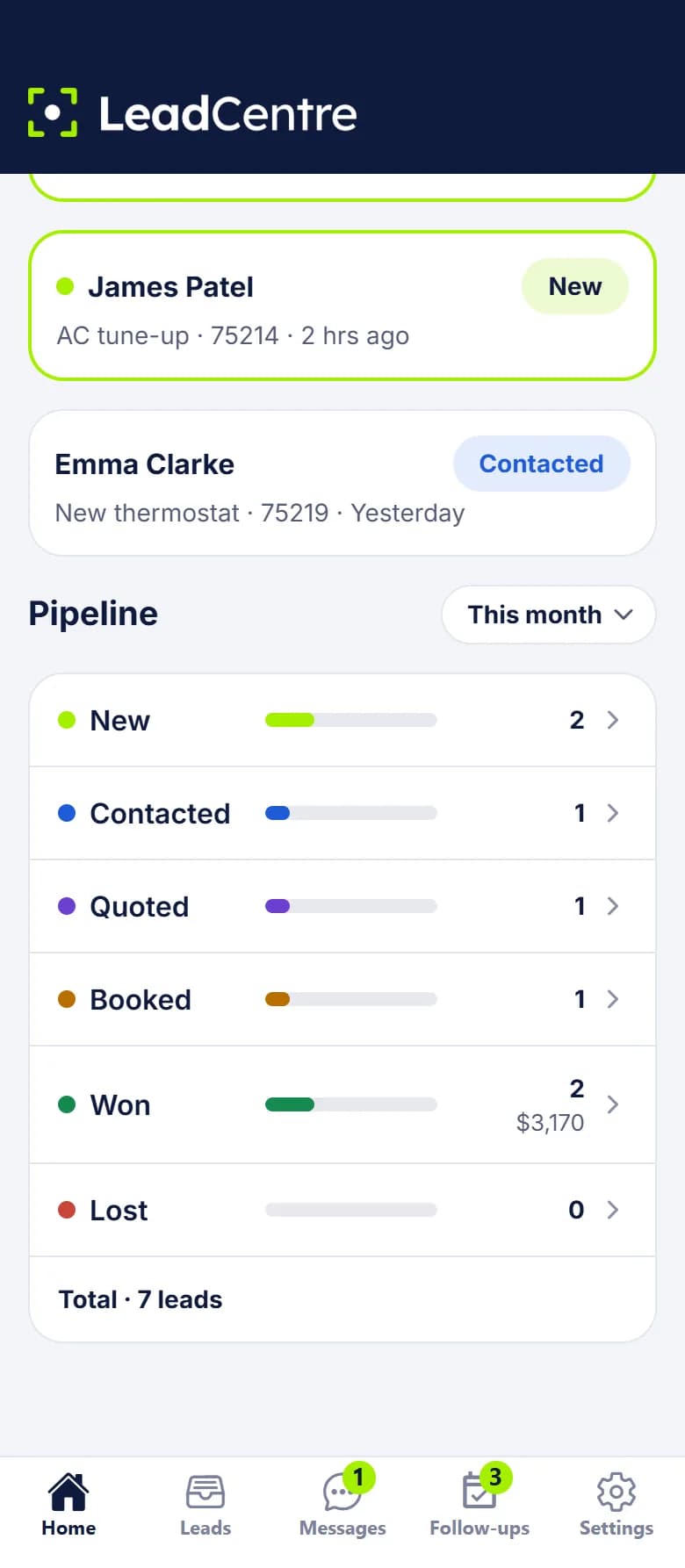
The seasons set the workload
In a heat wave or the first cold snap, phones and web forms fill up together. Your office answers the phones, because they ring. The web form and ad leads wait until someone gets a minute, and by then that homeowner may have booked another company.
The shoulder seasons bring a different problem. Tune-ups and replacement estimates are quieter, but they take several conversations and they're hard to keep track of. By the next peak, nobody remembers who said "call me in the autumn".
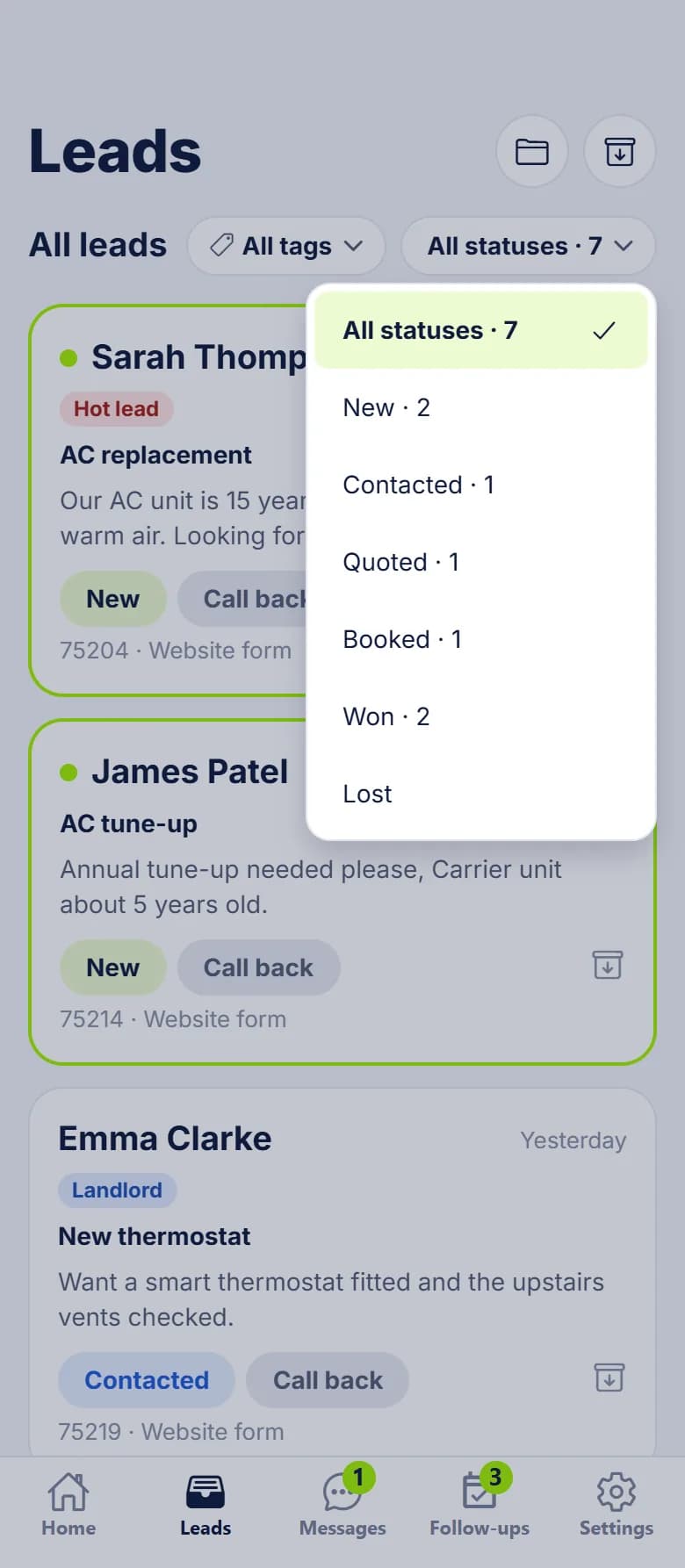
Install or maintenance: handle each at its own speed
- Repair: "AC stopped blowing cold, unit's about 14 years old. Can someone come out today?" Call right away and get a technician booked. Mark it Booked, then Won with the ticket value.
- Replacement: "We'd like a quote on a new heat pump, ours is on its last legs." Call the same day, book a comfort advisor visit, send the estimate and follow up. Mark it Quoted, put the figure in Estimated value, and expect it to take a while.
- Maintenance: "Looking to get a spring tune-up on the books." Book it when it suits. Then set a follow-up for the next season.
- Repair that turns into a replacement: keep the same lead, move it back to Quoted and add a follow-up. A lead's status can move either way.
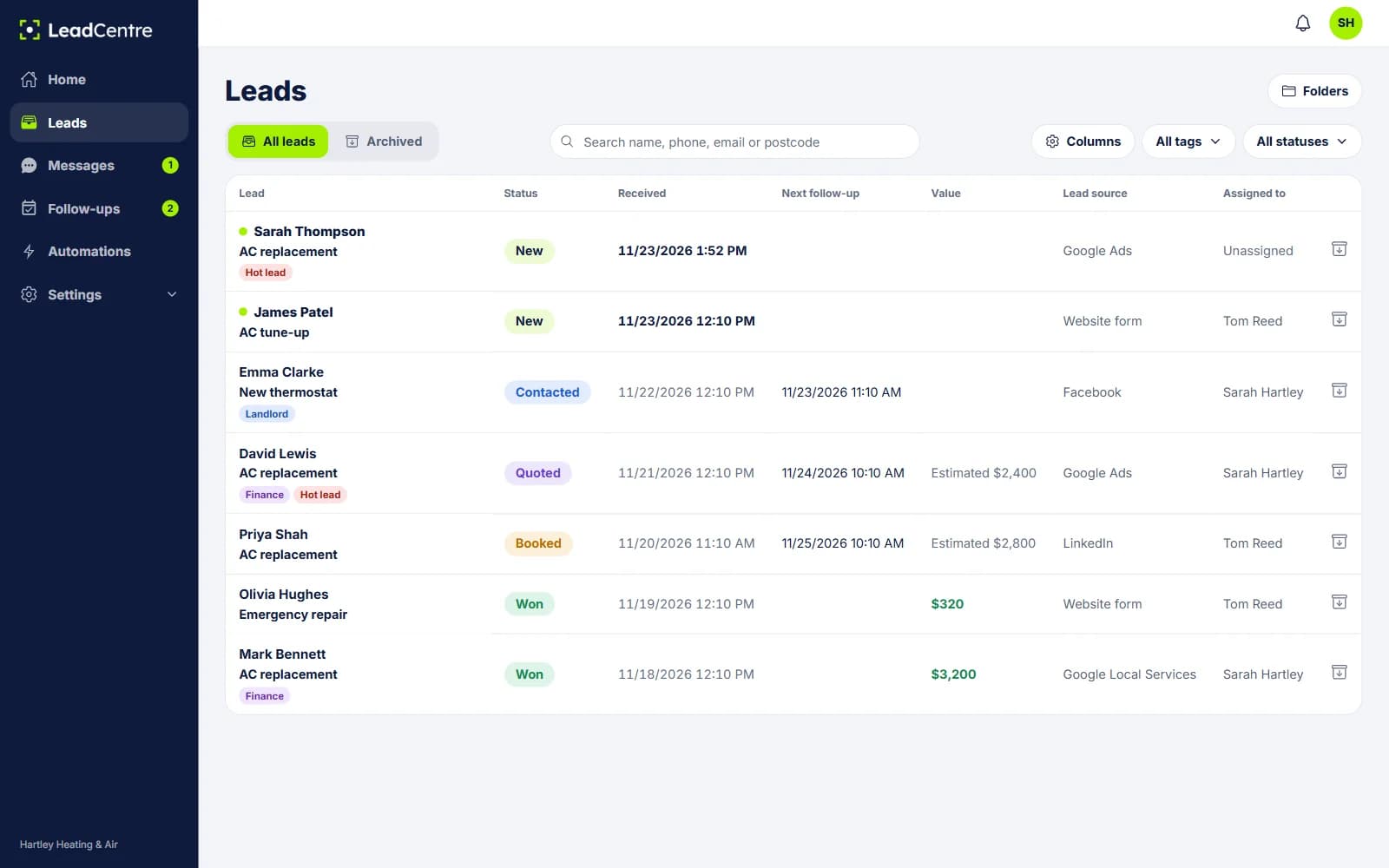
Keep the office and field team working together
Everyone works from the same inquiry records, so the office can see what a technician has done and a technician can see what the office promised. Assign each inquiry to the person handling it and they get an alert. Follow-ups keep estimates and callbacks moving, and the reminder goes to whoever holds the lead. Setting it up takes a few steps:
- 1
Add your people
Office staff as Admins, who see all the leads. Comfort advisors and technicians as Users, who see leads assigned to them plus unassigned ones.
- 2
Set up your Connections
Your website form and Google Ads lead forms post to your webhook URL. Meta lead forms connect directly from Add New Connection in Settings > Connections, or through Zapier or Make.
- 3
Add the fields you ask about on every call
System type (central air, furnace, heat pump, mini-split), Unit age, Brand, Tonnage, Homeowner or renter, Warranty.
- 4
Create folders for how you think about the work
AC faults today, No heat today, Estimates out, Tune-ups, Commercial.
- 5
Write your templates
Separate wording for during and outside business hours, used by the Text, WhatsApp and Email buttons.
The first hot Saturday of the year
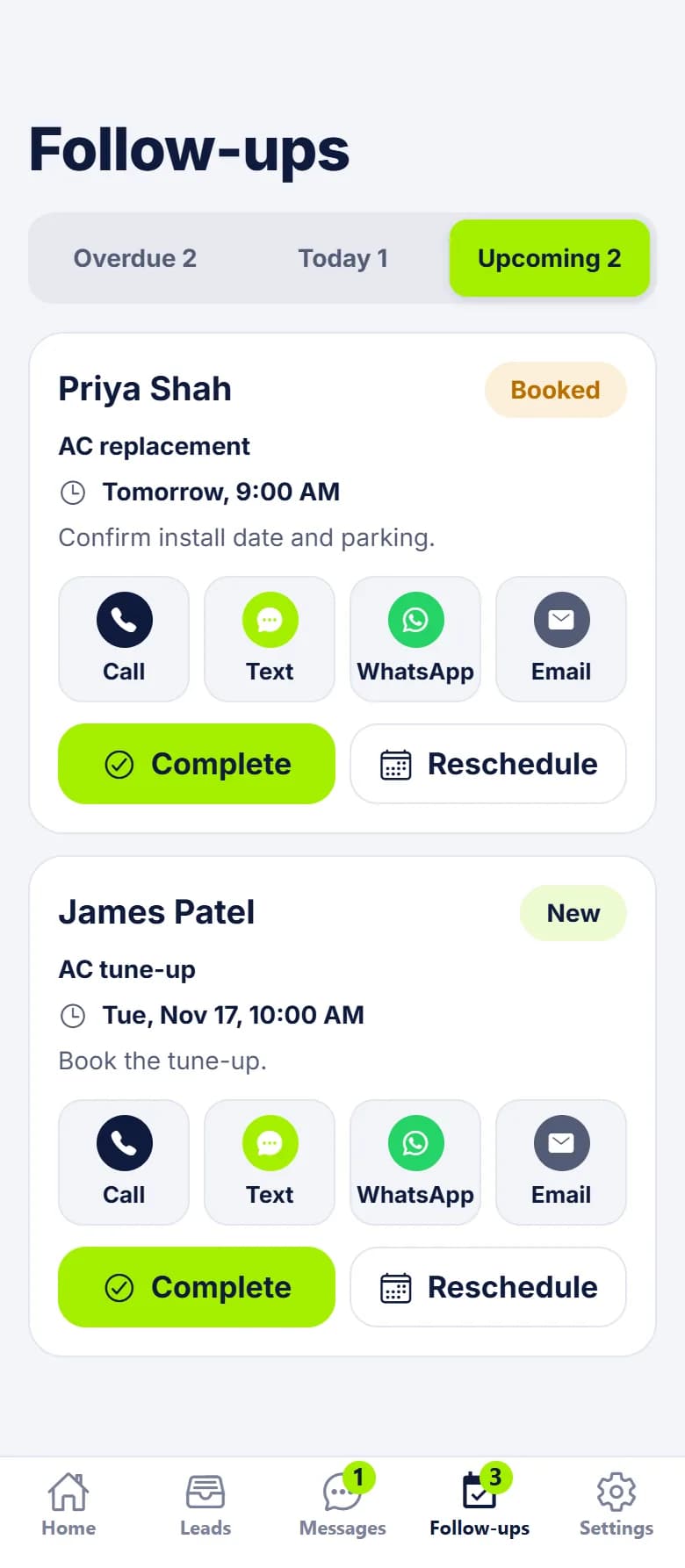
Follow-ups that last through the season
A follow-up can have any date, not just next week, which means "wants to wait until the autumn" becomes a follow-up in September with that note on it. If you mark the lead Lost with the reason Not ready yet, the app asks whether to keep the follow-up. Keep it.
The same goes for maintenance. After a spring tune-up, set a follow-up for the autumn. It reminds you, and you make the call.
Using it in the US
- Set your account's country to United States under Settings > Business and job values show in dollars.
- Phone numbers need the +1. The Call, Text and WhatsApp buttons read numbers in international format, so make your form or Zapier step add it.
- The address fields have fixed labels. ZIP codes go in ZIP code, and the state goes in County/State/Region.
Where your field service software takes over
LeadCentre covers the time between inquiry and booked job, then records what the job was worth. Your other systems take it from there. Our connections page lists each Connection and how it works.
- Messages and calls from Google Local Services Ads arrive in LeadCentre as leads.
- A call tracking service that can post to a webhook can turn calls into leads.
- The Instant Email Reply automation can send new leads an automatic email. The Respond add-on adds automatic SMS replies, and turns a missed call to your LeadCentre number into a lead with an automatic text.
Common questions
Does this replace my field service software?
It works alongside it. LeadCentre handles inquiries up to the point they're booked and records the outcome, and your field service software carries on from there.
Does it work with US phone numbers and dollars?
Yes. Set your account's country to United States under Settings > Business for dollars, and make sure numbers arrive with +1 in front, so the Call, Text and WhatsApp buttons appear.
Can I connect Google Local Services Ads?
Yes. Messages and calls from Google Local Services Ads arrive in LeadCentre as leads. Google Ads lead forms post to your webhook URL.
Be ready for the next heat wave
Get web and ad leads onto your team's phones, and keep estimates moving after the rush ends.