
Follow-ups
Lead follow-up software that reminds you before a lead goes quiet
A follow-up is a dated reminder attached to a lead. You say when and why, the app reminds you at that time, and the contact buttons are right there on the reminder.
- Coming Soon Lead Rescue automated follow-ups
- Coming Soon Automatic SMS replies
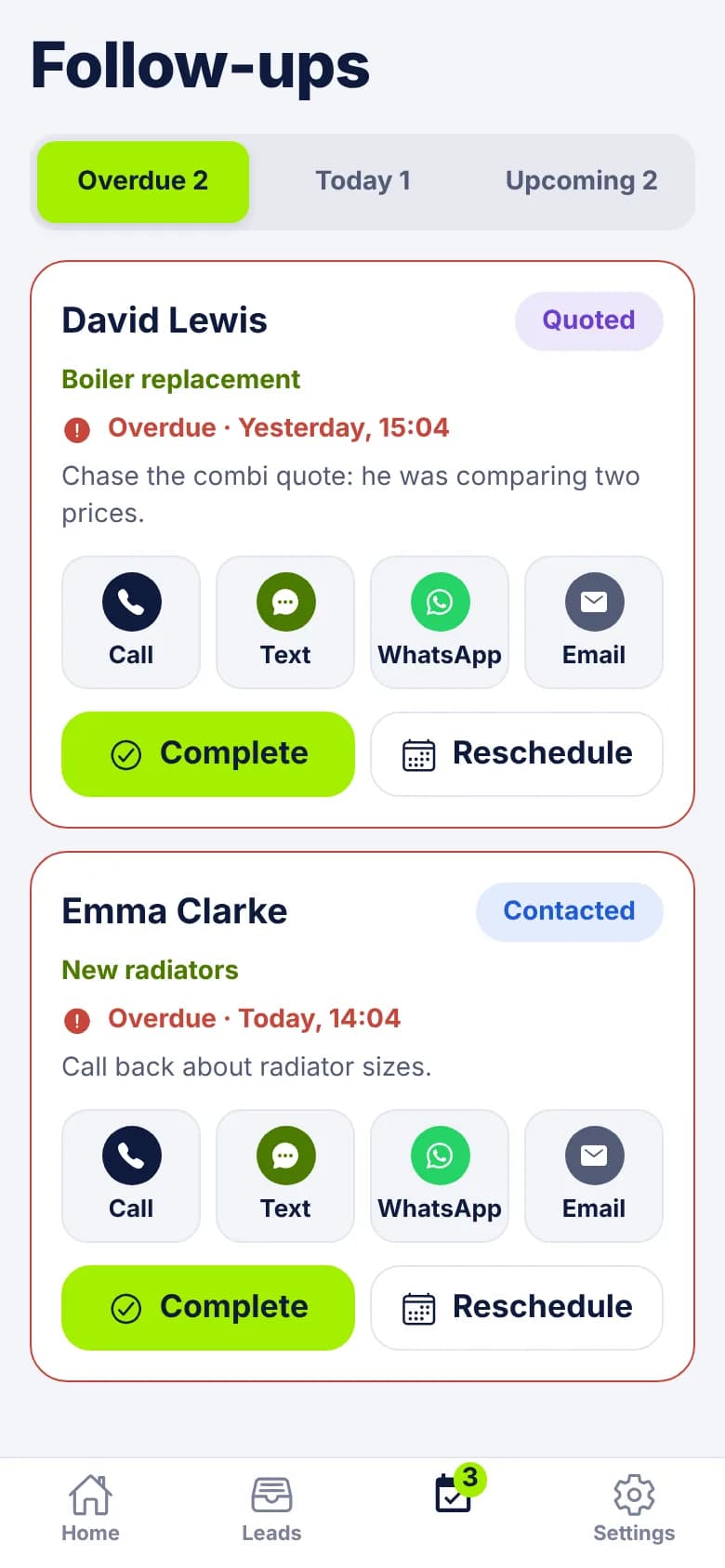
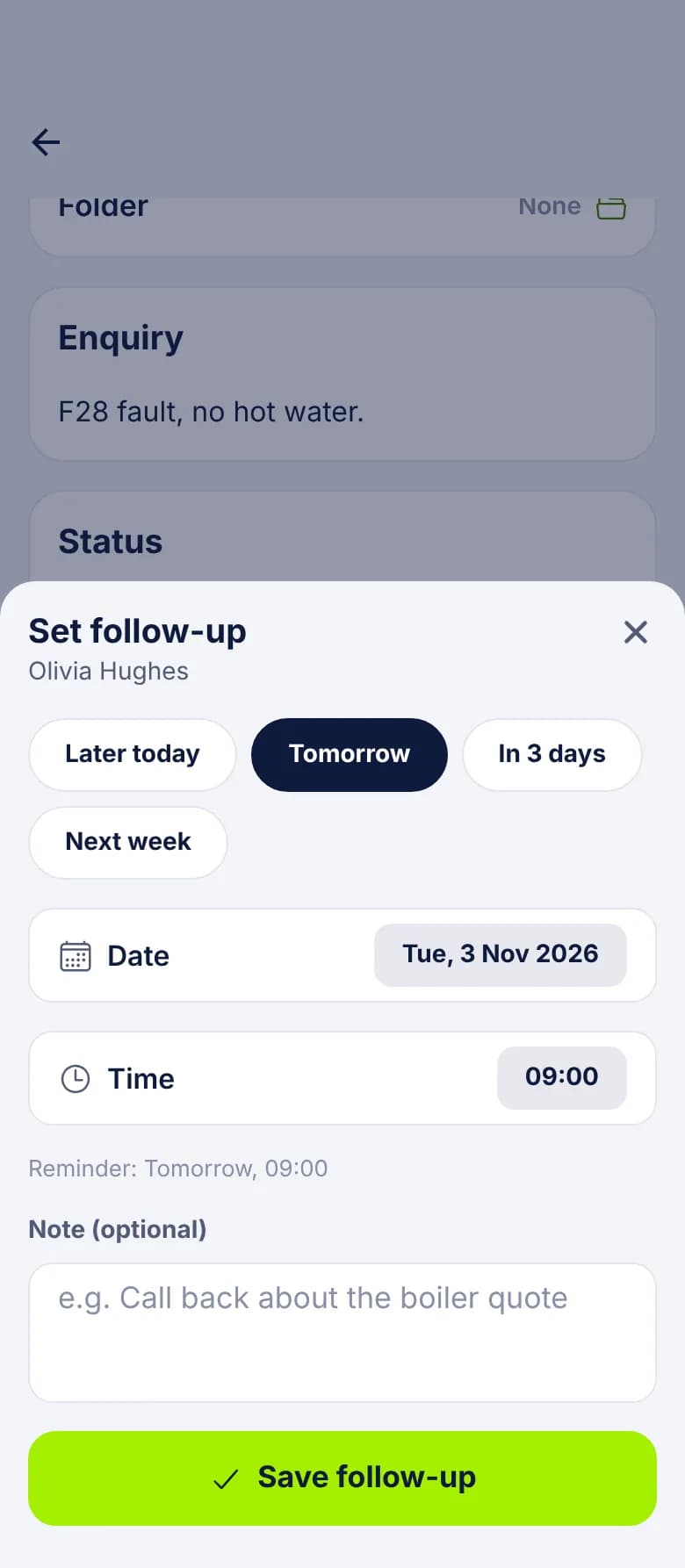
Setting a follow-up
- 1
Open the lead and tap Set follow-up
A lead can have several, so you can use Add another if there's more than one thing to chase.
- 2
Pick a time
Tap Later today, Tomorrow, In 3 days or Next week, or choose your own date and time. The screen shows when the reminder will go off.
- 3
Add a note if it helps
It's optional, but it's what you'll read when the reminder arrives. "Chase the combi quote: he was comparing two prices" beats a bare reminder.
- 4
Save
The follow-up appears on the lead and on the Follow-ups tab. The lead's status and folder stay as they were.
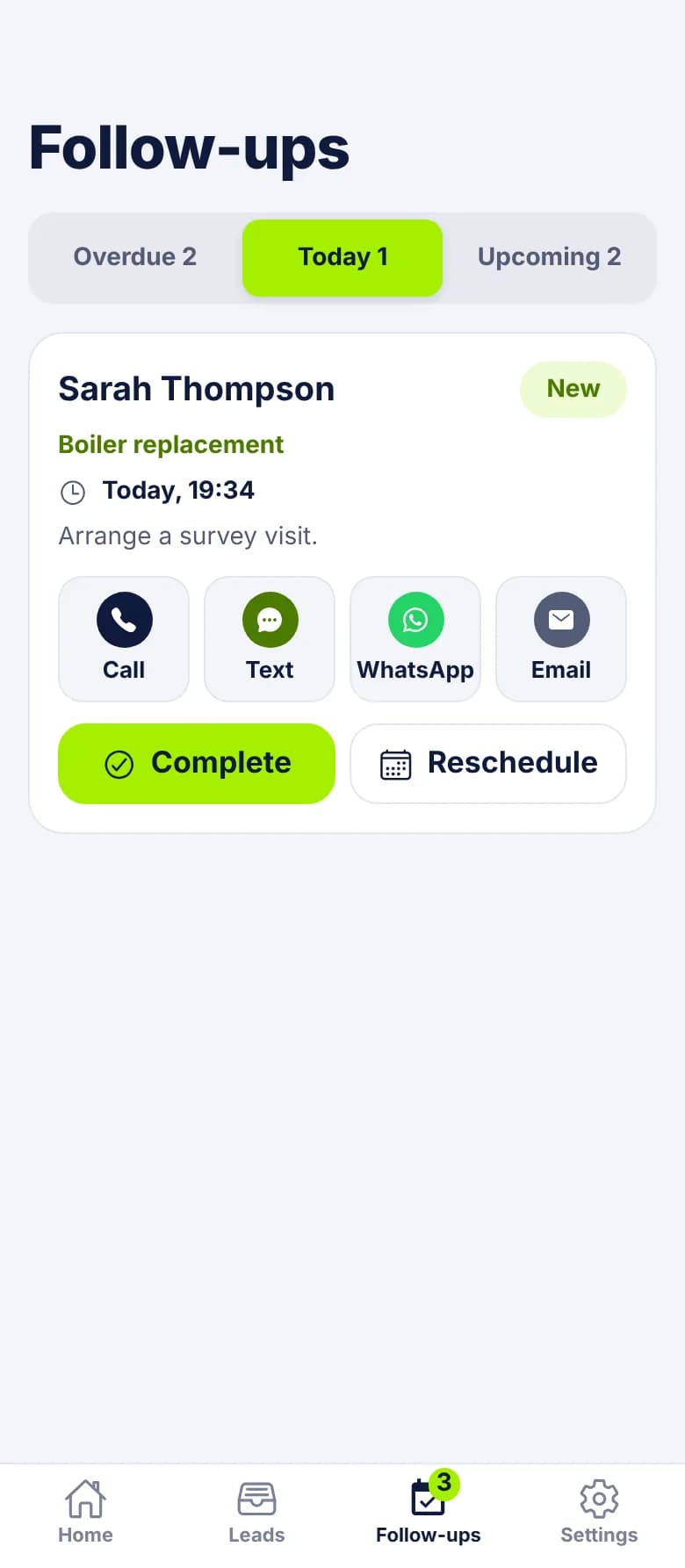
The Follow-ups tab
Three lists, in the app and in the portal: Overdue, Today and Upcoming. A badge on the app's tab counts what's overdue or due today.
Each card shows the lead's name, status, enquiry type, the due time and your note, with Call, Text, WhatsApp and Email buttons. Below those are Complete and Reschedule. So you can make the call and tick it off without opening anything else.
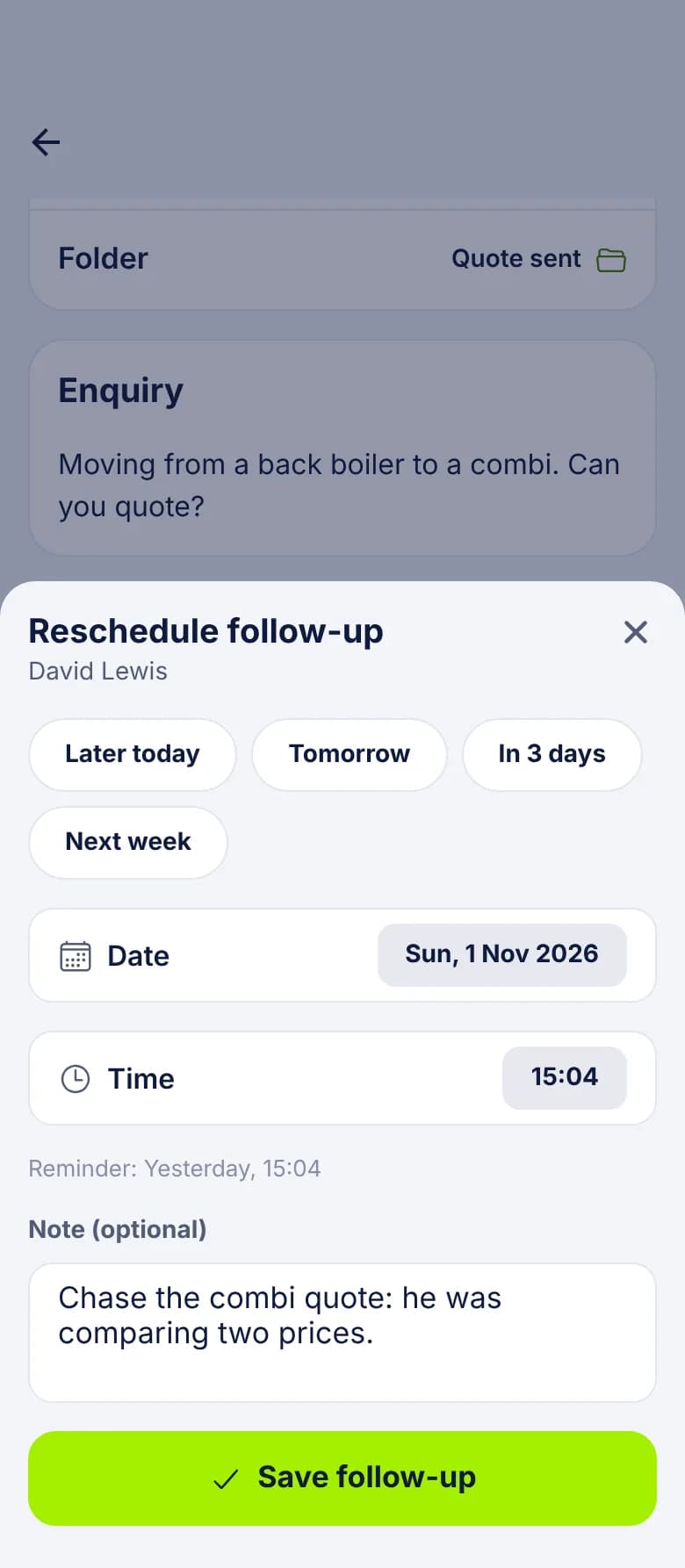
What happens when one is overdue
When a follow-up falls due, the person it's assigned to gets one push reminder. It says "Follow-up reminder", with the lead's name and your note. Tap it and the lead opens.
If you do nothing, the follow-up moves to Overdue in red and stays there until someone completes or reschedules it.
- The reminder isn't repeated. Overdue is where a missed one waits.
- Nothing is sent to the customer. A follow-up is a reminder to you.
- The lead's status doesn't change.
- Reschedule to a new time and you get a new reminder at that time.
A quote that goes quiet
The questions people ask next
- Who gets the reminder? A new follow-up belongs to whoever set it. If the lead is then assigned to someone else, its open follow-ups and their reminders go with it.
- What happens when I mark a lead Won or Lost? If it has open follow-ups, you're asked whether to keep or cancel them. They're never cancelled without asking.
- Why would I keep one on a lost lead? Because "not this year" can still become a job next year.
- What if I archive a lead? Archiving doesn't cancel its follow-ups.
- Who can see them? Anyone who can see the lead. An Admin sees follow-ups across the account. A User sees them on the leads they can see.
- Do finished ones vanish? Completed follow-ups stay on the lead as history.
What it doesn't do
Follow-ups are reminders for a person to act on. LeadCentre won't chase a quiet lead by itself today. Automated follow-ups, called Lead Rescue, are Coming Soon, and automatic SMS isn't available yet. For habits that make reminders work, read our lead follow-up best practices.
Common Questions
What if I miss a reminder?
It stays on the Overdue list until someone completes or reschedules it. You only get one push per follow-up, so check Overdue as part of your day. The badge on the Follow-ups tab keeps count.
Can I set a follow-up for a colleague?
A follow-up starts with the person who sets it. To pass the work on, assign the lead to your colleague. The lead's open follow-ups and their reminders move to them.
Does a follow-up message the customer?
No. It reminds you, then opens your own phone or messaging app when you tap a button. Automated follow-ups are Coming Soon.
Can I use follow-ups without the app?
You can set, complete and reschedule them in the portal. The push reminder needs the Android app.
Stop relying on your memory
Every quote and call back gets a date, a note and a reminder on your phone.