
Home Services
Lead management for home service businesses
Cleaners, gardeners, electricians, pest controllers and handymen mostly take enquiries between jobs, on one phone, from three or four places. LeadCentre puts them in one list and reminds you who you said you'd ring back.
- Coming Soon iPhone app
- Coming Soon Automatic SMS replies
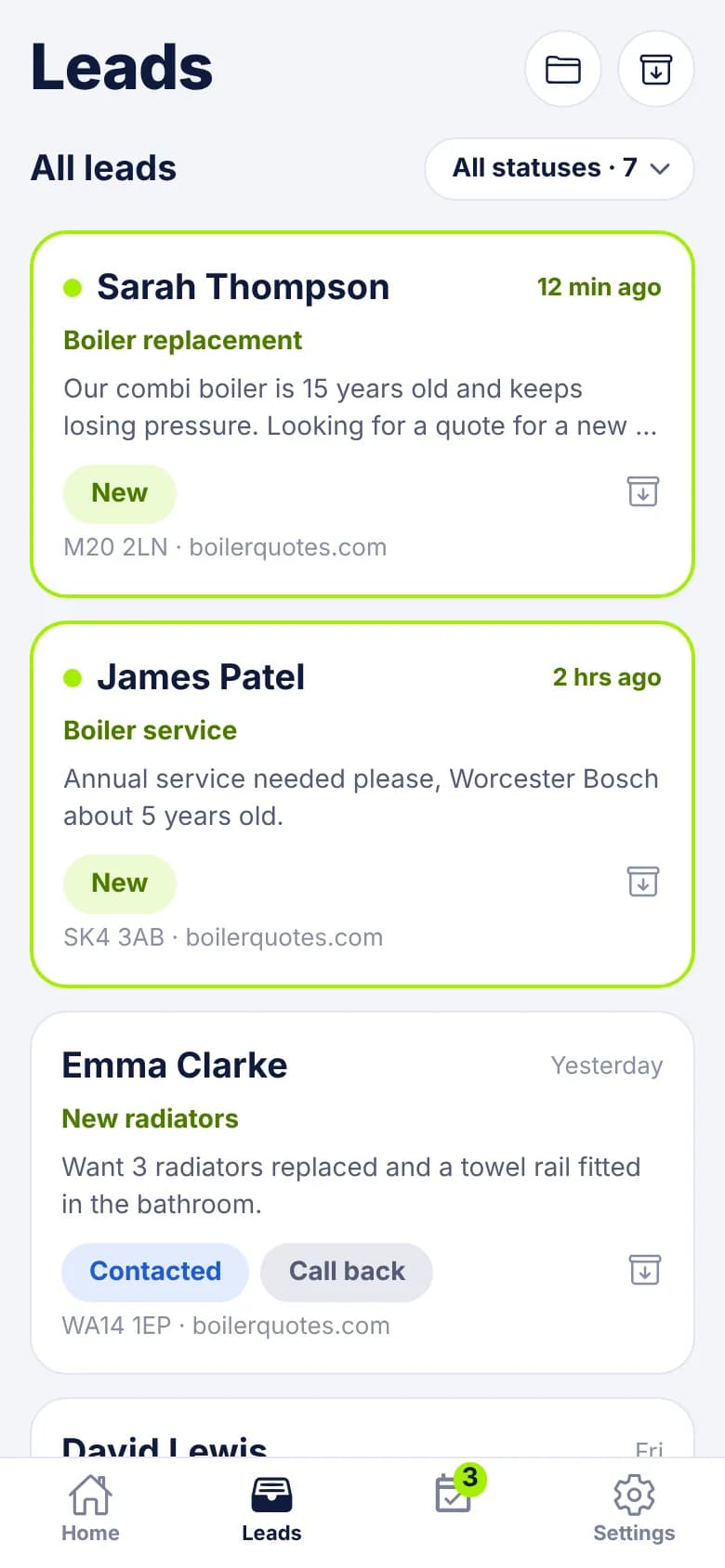
How enquiries really arrive
A form on your website, a Facebook lead ad, a Google Ads form, a directory that sells you leads. A typical one says: "Hi, can you give me a price to cut back the hedge and clear the side of the house? I'm home Saturdays." There's no budget, no measurements and often no address.
The customer has probably asked two other firms. Here's where it tends to go wrong:
- You're on a job all day and read it at 8pm, when someone else has already replied.
- "I'll ring you back" only exists in your head.
- Your partner in the office and you both assume the other one has replied.
- Jobs are small and quick, so nobody writes them down. You never find out which ads pay for themselves.
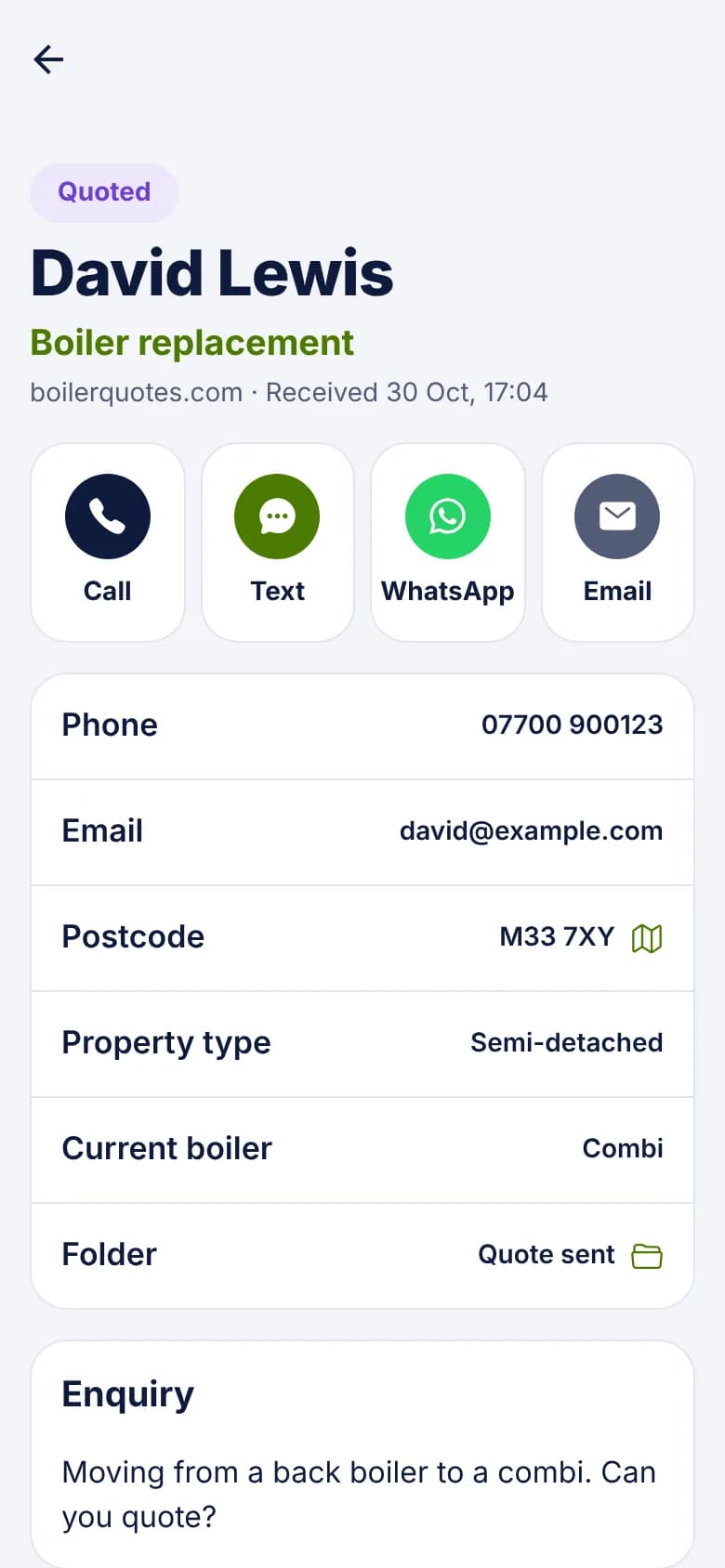
From enquiry to booked, on one phone
- 1
The alert arrives while you're working
"New lead: Hedge cutting", with the name, postcode and start of the message. You can decide in a glance whether it can wait until your break.
- 2
Reply from the van
Tap WhatsApp or Text. Your own message opens with the name and job filled in: "Hi {first_name}, this is {my_name} from {company}. Thanks for your enquiry about {service}." Add a line and send it. The lead moves to Contacted.
- 3
Ask for what's missing
Most small jobs need a photo or a postcode before you can price them. Set a follow-up for Tomorrow with the note "Asked for photos of the hedge".
- 4
Book it and record it
Mark it Booked once it's in the diary. When the job's done, mark it Won and enter what it was worth, even if it's a small amount.
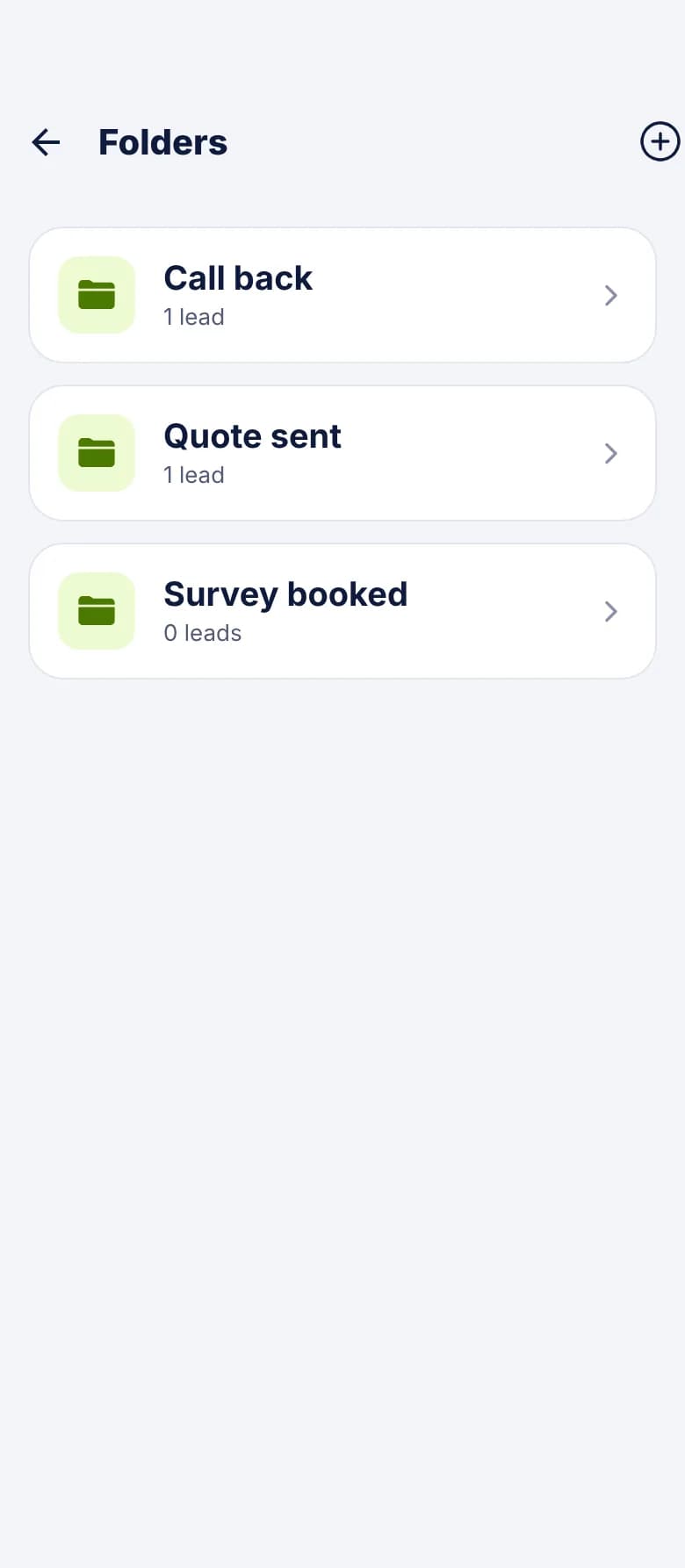
Setting it up for a small service business
You don't need much. Quoted is for jobs you've priced, but plenty of small jobs go straight from Contacted to Booked, and that's fine.
- Folders: Waiting on photos, Regular work, Spring jobs, Out of area.
- Custom fields: Property type, Access notes, Pets, Preferred day, How often.
- Follow-up notes: "Quoted for a fortnightly clean. Wanted a week to decide."
- Templates: during hours, say you'll ring after your current job. Outside hours, say you'll ring in the morning.
- Lost reasons: Outside our area and Not a service we offer tell you if your ads are reaching the wrong people.
A worked example
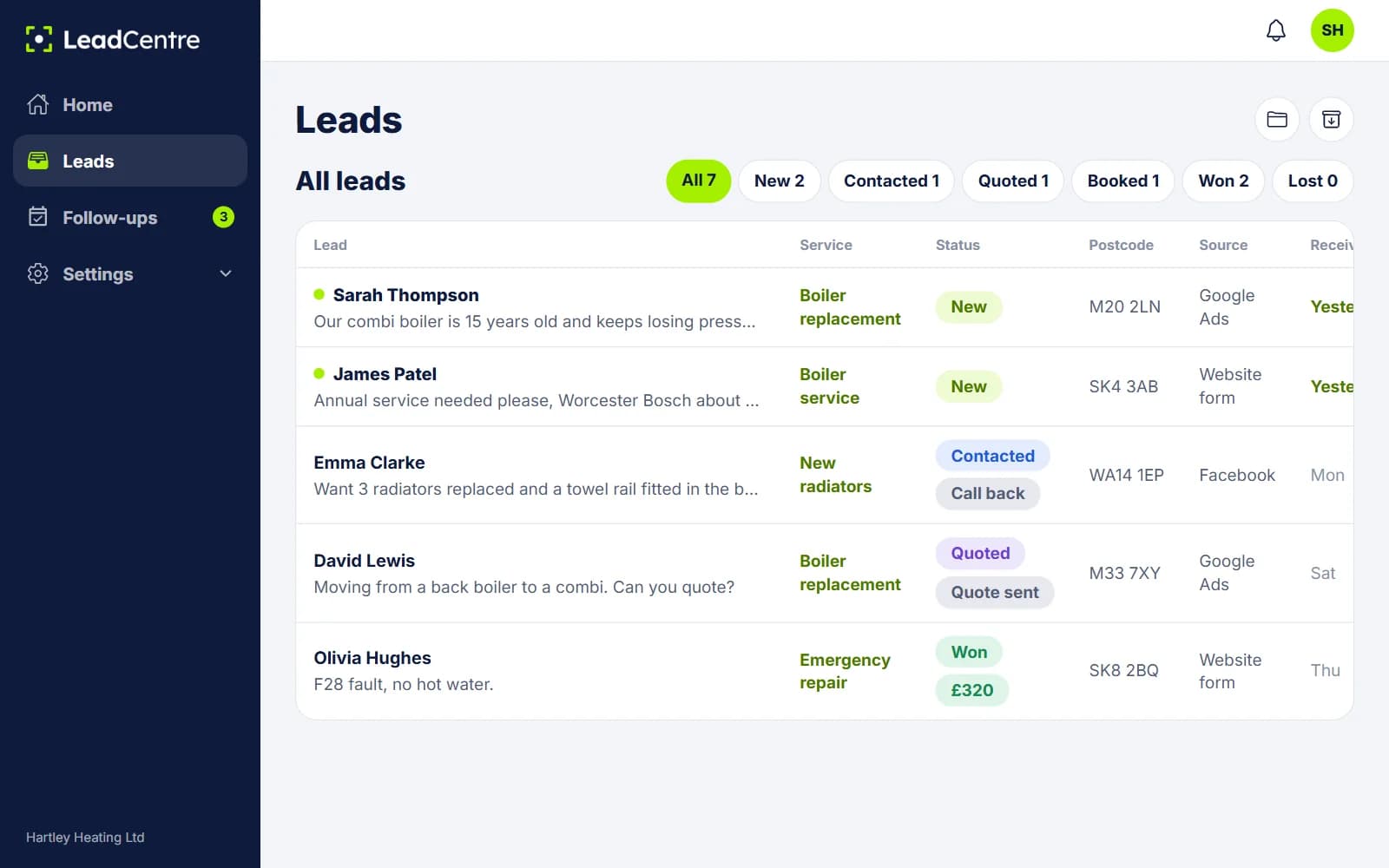
When there's more than one of you
If an office manager or partner handles enquiries, make them an Admin so they see everything. Crew leaders can be Users: they see leads assigned to them, plus any nobody has taken yet.
Everyone with the app gets the new lead alert unless they turn it off on their phone. If only one person should field enquiries, the others can switch off New lead alerts. That switch stops all pushes to that phone, so they'd then see assigned leads and follow-ups when they open the app.
What it won't do
- It doesn't schedule rounds, plan routes or send invoices. Keep your diary and your accounts as they are.
- It doesn't capture phone calls on its own, and there's no button to type in a lead by hand. Missed-call leads are Coming Soon.
- It doesn't send texts by itself. The Text button opens your phone's messaging app. Instant Replies sends automatic emails, and automatic SMS isn't available yet.
- The app is on Android. The iPhone app is coming soon, and iPhone users can use the portal in a browser without push alerts.
Common Questions
Most of my work comes by phone. Is this any use?
It helps with the enquiries that come by form or ad, which are the ones most often forgotten. A call you answer doesn't need it. If you want calls in LeadCentre too, a call tracking service that can post to a webhook can create leads.
Can someone in the office handle enquiries while I'm on a job?
Yes. Add them as a user. They can see new leads, reply, set follow-ups and assign work to you, and you get an alert for anything assigned to you.
Half my team use iPhones. What happens?
The iPhone app is coming soon. Until then they can sign in to the portal in a browser. It works on a phone, but they won't get push notifications.
I already use a job management app. Do I need this too?
They do different jobs. Your job app takes over once work is booked. LeadCentre covers the part before that: making sure each enquiry gets a reply, a follow-up and an outcome.
Stop losing enquiries to the first firm that replies
Get alerts between jobs, reply in a couple of taps and see what your small jobs add up to.