
Plumbers and Heating
Lead management for plumbers and heating engineers
An F28 fault with no hot water and a boiler replacement quote can land in the same inbox within minutes of each other. LeadCentre lets you treat one as a call-now job and the other as something to chase, and can remind you about next year's service.
- Coming Soon Automatic SMS replies
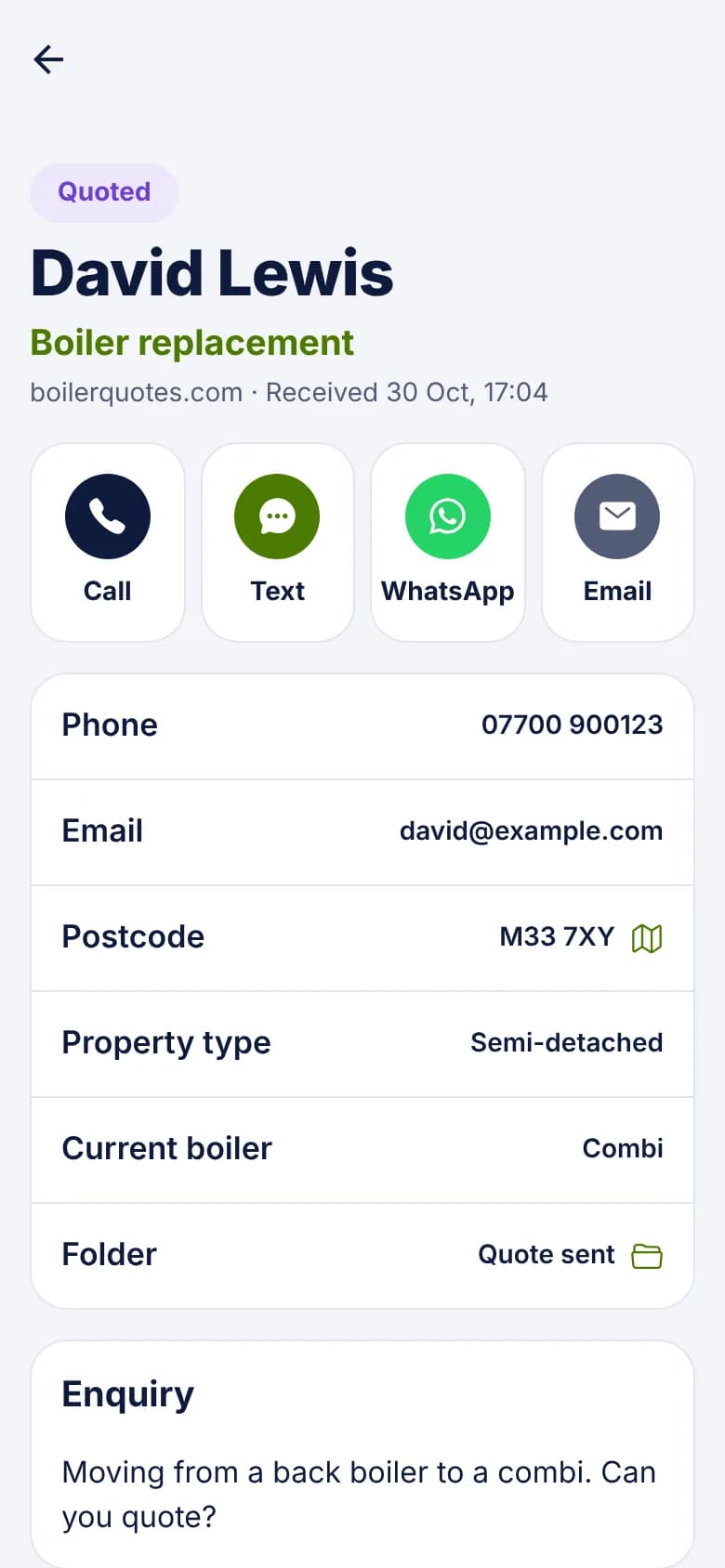
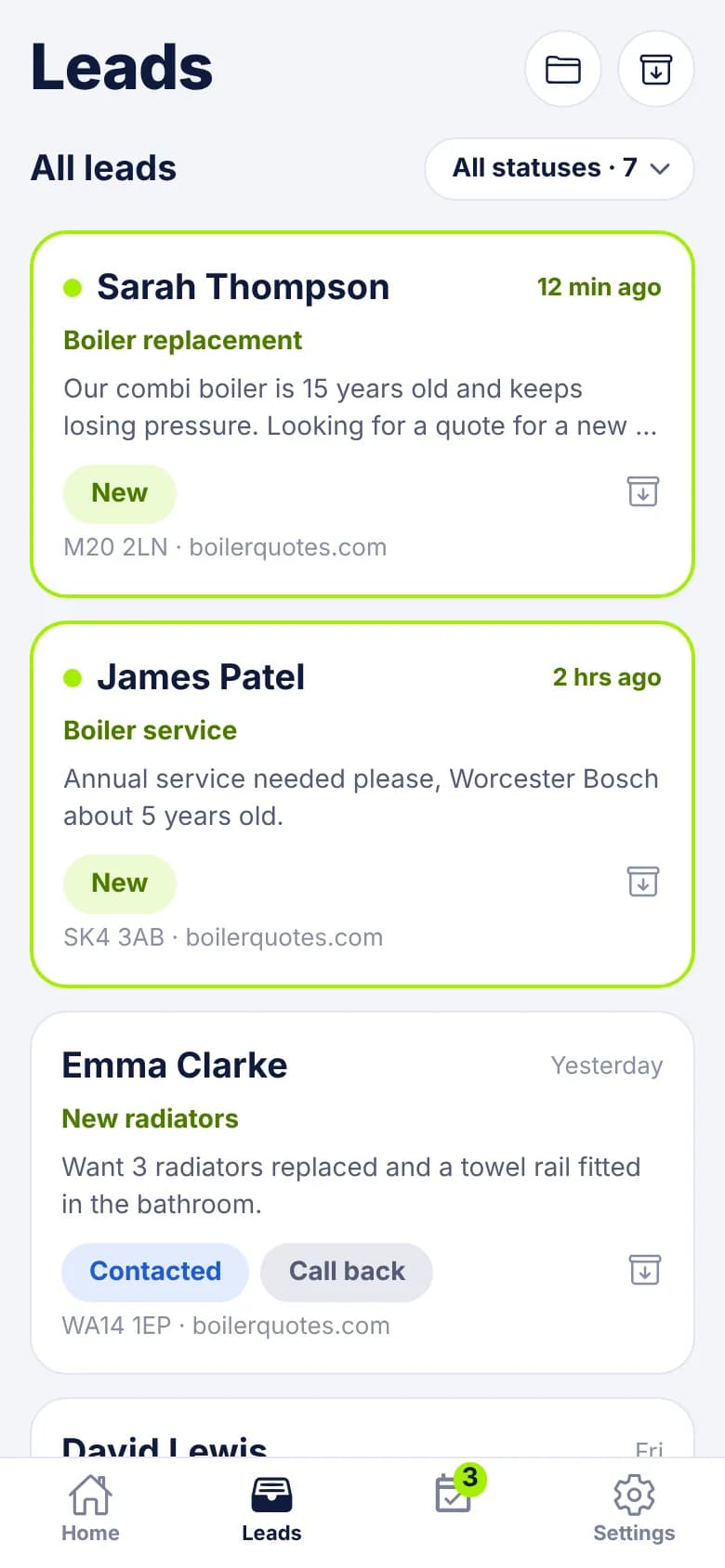
Four enquiries, four clocks
- Breakdown: "F28 fault, no hot water, baby in the house. Can anyone come today?" Ring as soon as you can. They're probably ringing round already.
- Replacement: "Our combi is 15 years old and keeps losing pressure. Looking for a quote." Ring today, survey within the week, send a price, then chase while they compare.
- Plumbing: "Leak under the kitchen sink, dripping into the cupboard." Same day or next day, and often priced on the phone.
- Service: "Annual service needed, the boiler's about 5 years old." No rush. Book it in the next week or two, then remember them next year.
When there's no heat
- 1
The alert tells you what it is
It shows the enquiry type, name, postcode and the start of the message, so "no hot water" stands out from a service booking.
- 2
Tap it, then tap Call
The lead opens and the Call button is at the top. The lead moves from New to Contacted when you tap.
- 3
Can't get there today? Say so
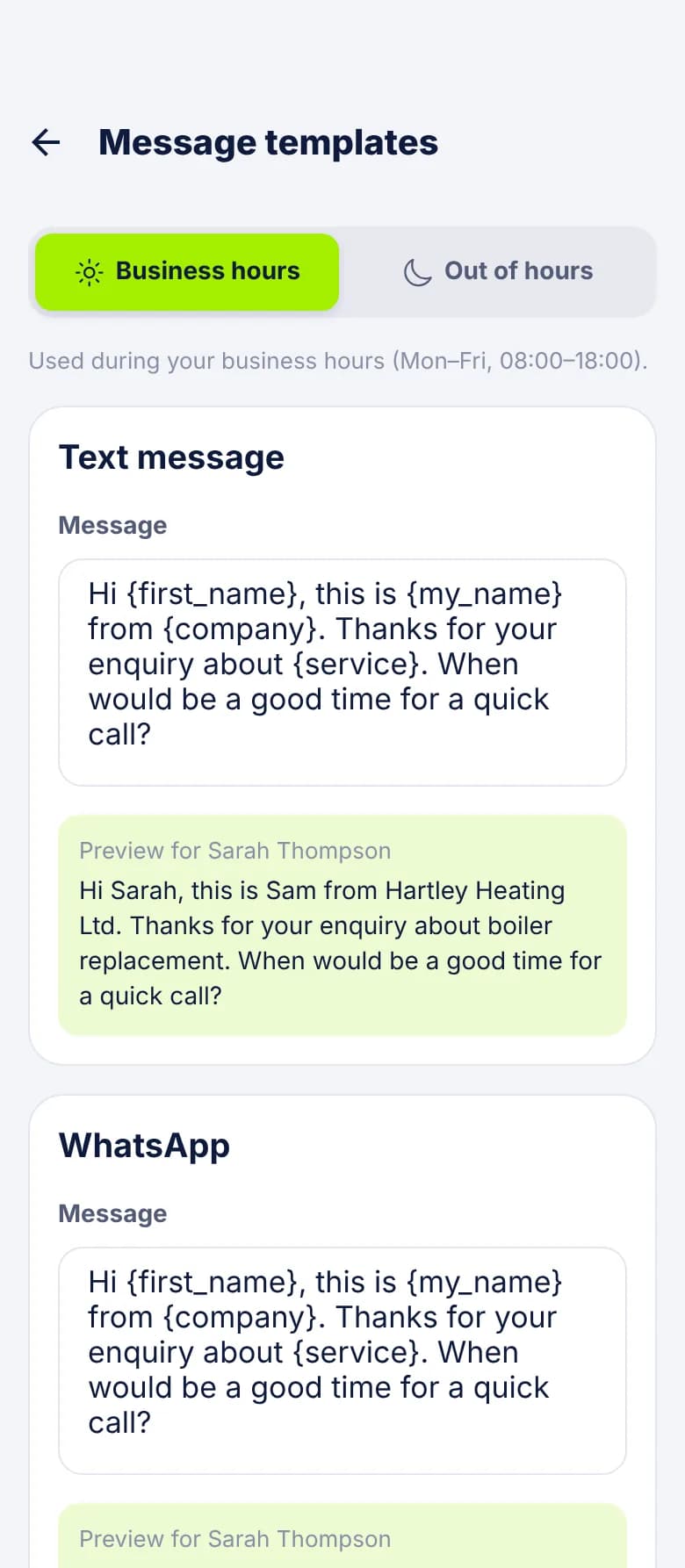
Tap Text or WhatsApp and your template opens with their name filled in. Add when you can come. An honest answer lets them decide.
- 4
Book it and record it
Mark it Booked. If you're sending someone else, assign it and they get an alert. When it's done, mark it Won and enter the call-out and parts as the job value.
Evenings, weekends and on-call
Alerts don't stop outside your business hours. Business hours only change which message wording you get. So if a breakdown comes in at 9pm, your phone still goes off, and the Text button opens your out-of-hours wording.
If you run an on-call rota, whoever is off call can turn off New lead alerts on their own phone. You can also use Instant Replies to send an automatic email outside hours saying when you'll ring. It's email only, as automatic SMS isn't available yet.
Replacement quotes: the long job
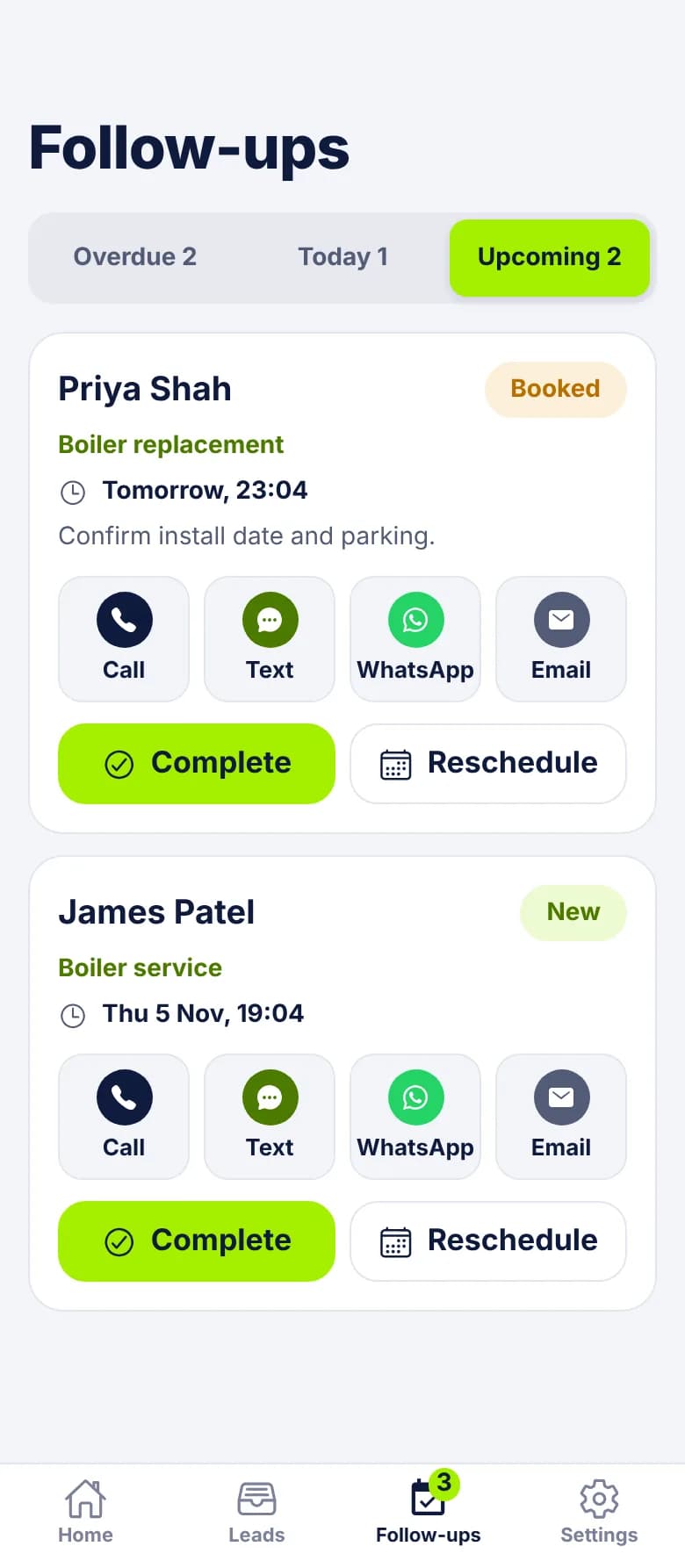
A boiler replacement is often compared against other quotes, and the decision can take a while. This is where follow-ups earn their keep, because the note holds what you'd otherwise forget.
- Mark the lead Quoted and put the price in Estimated value.
- Set a follow-up with a note: "Chase the combi quote: he was comparing two prices."
- Add another for later if you've agreed one: "Wants it done before winter. Ring first week of September."
- If they go elsewhere, mark it Lost and pick Price too high or Went with another company. Over time, those reasons show you something the quotes alone don't.
Service reminders as follow-ups
There's no separate service reminder feature, but a follow-up does the job. After the service, set a follow-up with a date about 11 months away and a note such as "Annual service due, combi in the kitchen cupboard".
When you mark the lead Won, the app asks whether to keep or cancel open follow-ups. Choose Keep. You can then archive the lead to clear your list, and the reminder still reaches you. It only reminds you: LeadCentre won't message your customer, so ring them or tap Text when it comes up.
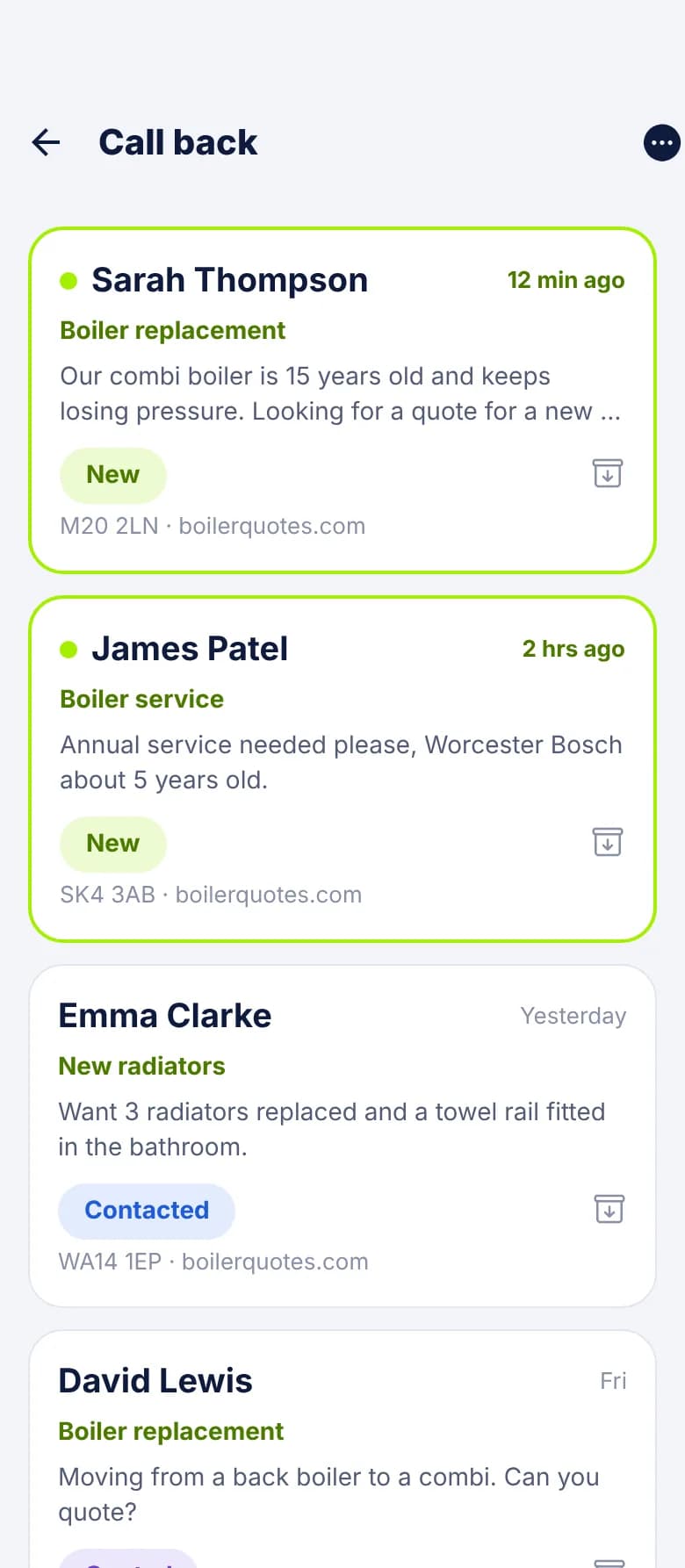
Fields and folders that fit the trade
Add these as custom fields and match them to your website form. They show on the lead before you ring, so you know whether to bring a part or ask a question.
- Custom fields: Boiler make, Model, Fault code, Current boiler (combi, system, back boiler), Property type, Homeowner or landlord, Number of radiators.
- Folders: No heat today, Replacement quotes, Annual services, Landlords, Bathrooms.
- Templates: one for breakdowns that asks for the fault code on the display. One for quotes that asks for a photo of the boiler.
Common Questions
Can I have different replies for evenings and weekends?
Yes. Message templates and Instant Replies both have separate wording for during and outside your business hours, and you set those hours yourself.
Can LeadCentre text customers automatically?
No. Automatic replies are email only today. The Text button opens your phone's messaging app with your wording ready to send.
Can it send service reminders to my customers?
No. A follow-up reminds you, and you make the contact. Nothing goes to the customer without you pressing send.
What about people who just ring me?
A call you answer doesn't appear in LeadCentre unless a call tracking service posts it to your webhook. Missed-call leads are Coming Soon. Most of the value here is in form and ad enquiries, which don't ring your phone.
Answer breakdowns fast and chase quotes properly
One phone, one list, and a reminder for every boiler you've quoted.