
HVAC
HVAC lead management for service calls and system replacements
HVAC demand follows the weather. On the first hot weekend, a no-cool call and a new-system estimate land side by side, and LeadCentre helps you handle each at the right speed without replacing your dispatch or field service software.
- Coming Soon iPhone app
- Coming Soon Automatic SMS replies
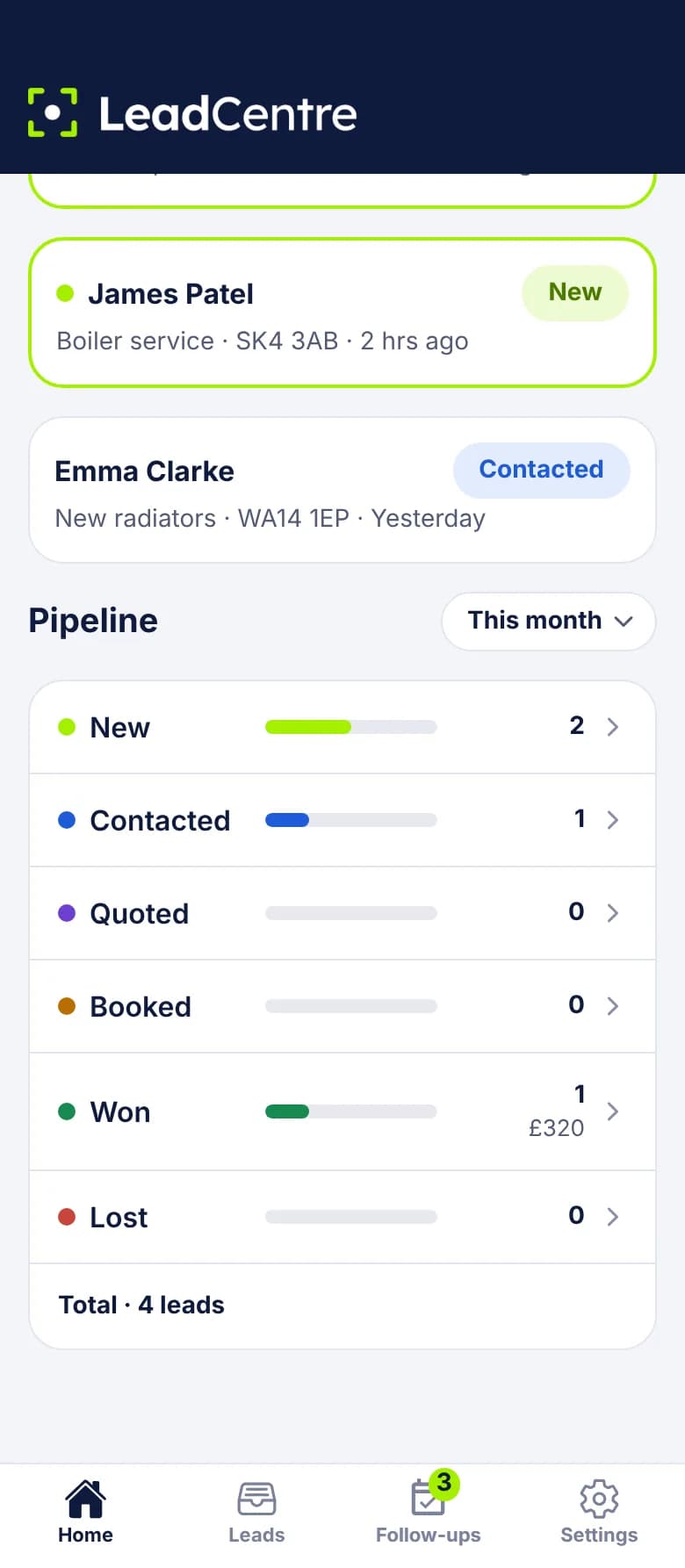
The seasons set the workload
In a heat wave or the first cold snap, phones and web forms fill up together. Your office answers the phones, because they ring. The web form and ad leads wait until someone gets a minute, and by then that homeowner may have booked another company.
The shoulder seasons bring a different problem. Tune-ups and replacement estimates are quieter, but they take several conversations, and they're easy to lose track of. By the next peak, nobody remembers who said "call me in the fall".
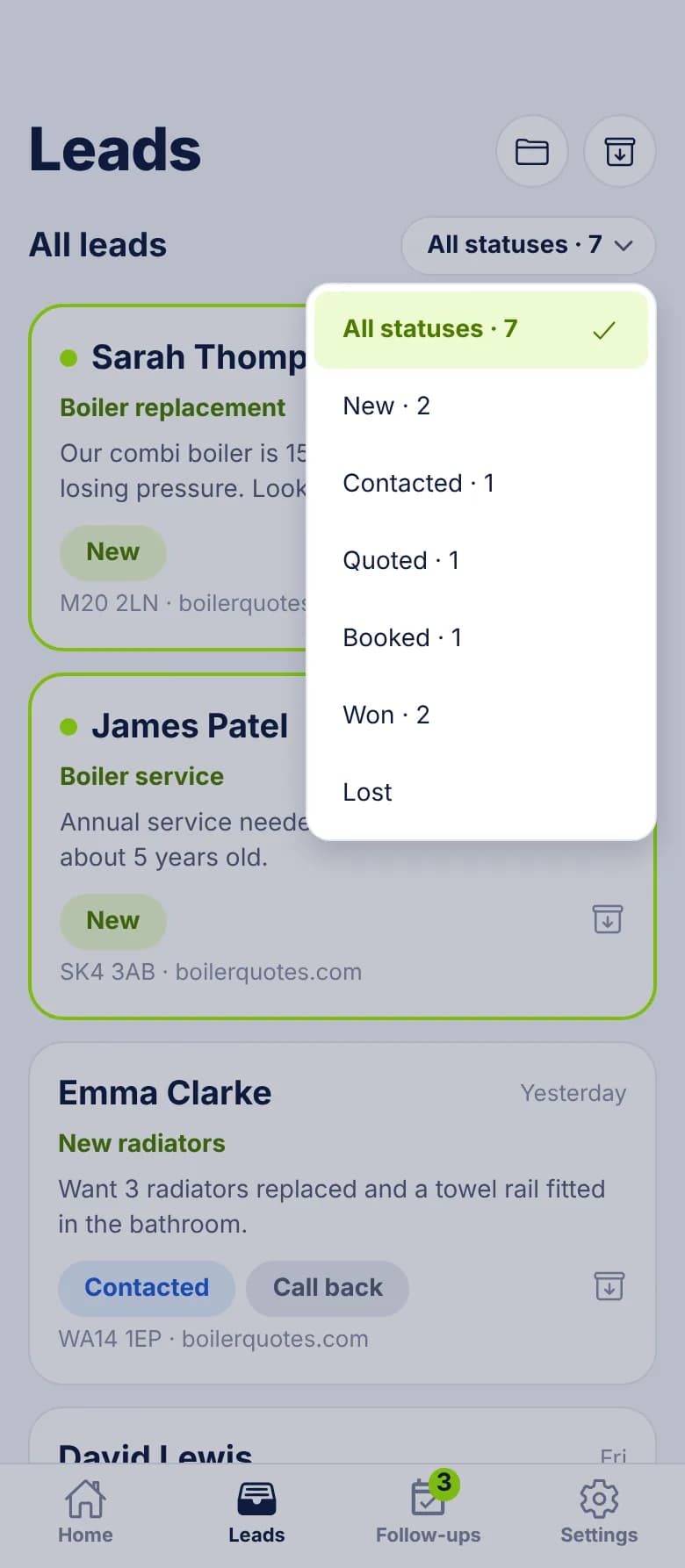
Install or maintenance: handle each at its own speed
- Repair: "AC stopped blowing cold, unit's about 14 years old. Can someone come out today?" Call right away and get a technician booked. Mark it Booked, then Won with the ticket value.
- Replacement: "We'd like a quote on a new heat pump, ours is on its last legs." Call the same day, book a comfort advisor visit, send the estimate and follow up. Mark it Quoted, put the figure in Estimated value, and expect it to take a while.
- Maintenance: "Looking to get a spring tune-up on the books." Book it when it suits. Then set a follow-up for the next season.
- Repair that turns into a replacement: keep the same lead, move it back to Quoted and add a follow-up. A lead's status can move either way.
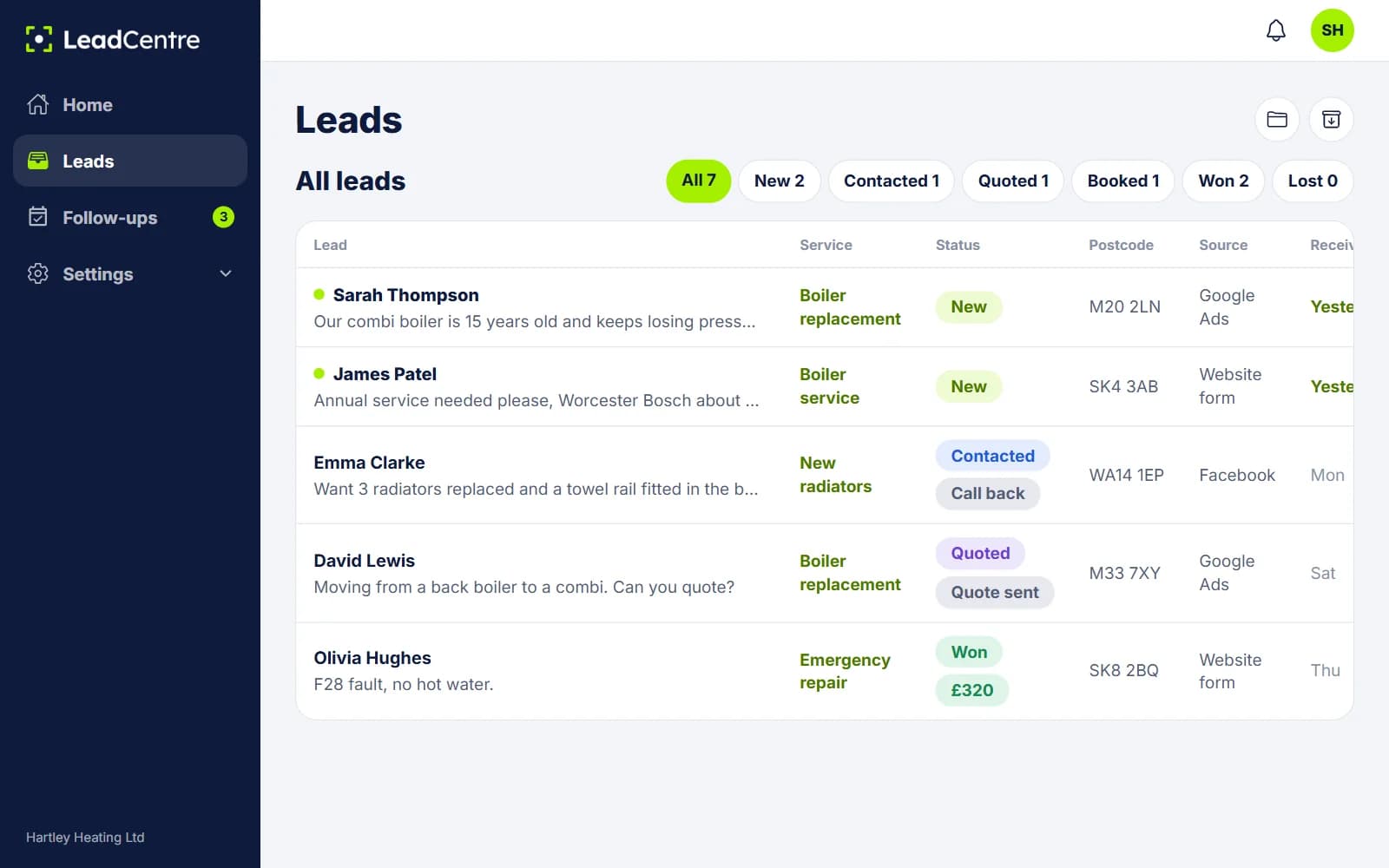
Setting up a shop with an office and technicians
- 1
Add your people
Office staff as Admins, who see every lead. Comfort advisors and technicians as Users, who see leads assigned to them plus unassigned ones.
- 2
Connect your lead sources
Your website form and Google Ads lead forms post to your webhook URL. Meta lead forms go through Zapier or Make.
- 3
Add the fields you ask about on every call
System type (central air, furnace, heat pump, mini-split), Unit age, Brand, Tonnage, Homeowner or renter, Warranty.
- 4
Create folders for how you think about the work
No cool today, No heat today, Estimates out, Tune-ups, Commercial.
- 5
Write your templates
Separate wording for during and outside business hours, used by the Text, WhatsApp and Email buttons.
A worked example
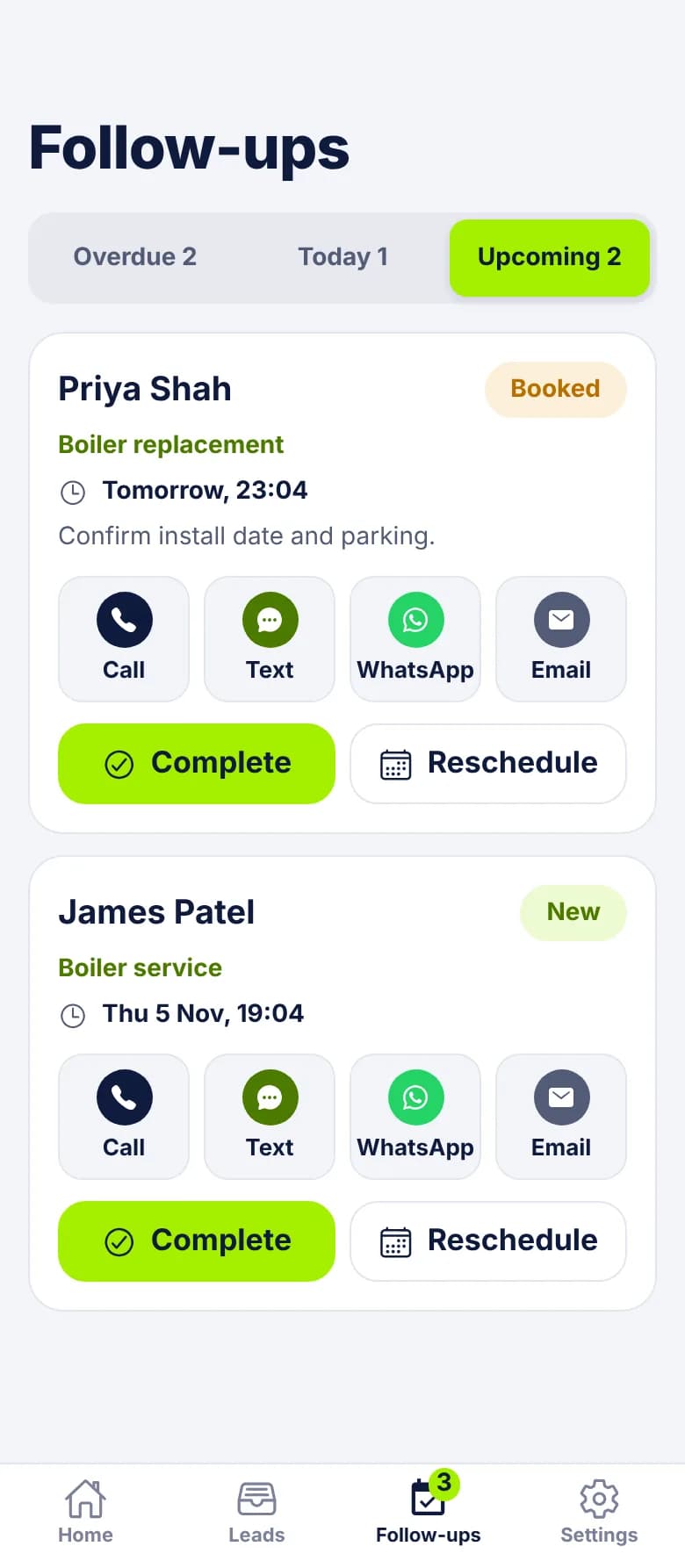
Follow-ups that last through the season
A follow-up can have any date, not just next week. So "wants to wait until fall" becomes a follow-up in September with that note on it. If you mark the lead Lost with the reason Not ready yet, the app asks whether to keep the follow-up. Keep it.
The same goes for maintenance. After a spring tune-up, set a follow-up for the fall. It reminds you, and you make the call. LeadCentre won't contact the customer for you.
Using it in the US
- Set your region to United States and job values show in dollars.
- Phone numbers need the +1. The Call, Text and WhatsApp buttons read numbers in international format. A bare 10-digit number from a web form shows on the lead, but without those buttons, so make your form or Zapier step add it.
- The address fields have fixed labels. ZIP codes go in Postcode, and the state goes in County/State/Region.
- The app is on Android. The iPhone app is coming soon. Until then, iPhone users can use the portal in a browser, without push alerts.
What it won't replace
LeadCentre covers the time between enquiry and booked job, then records what the job was worth. Your other systems take it from there. See every lead source on our connections page.
- It doesn't dispatch technicians, schedule jobs, invoice or manage maintenance agreements.
- Google Local Services Ads leads are Coming Soon.
- Missed-call leads are Coming Soon. A call tracking service that can post to a webhook can create leads today.
- Automatic replies are email only. Automatic SMS isn't available yet.
Common Questions
Does this replace my field service software?
No. It doesn't dispatch, schedule or invoice. It handles enquiries up to the point they're booked and records the outcome, and your existing software carries on from there.
Does it work with US phone numbers and dollars?
Yes, with one thing to watch. Set your region to United States for dollars, and make sure numbers arrive with +1 in front, or the Call, Text and WhatsApp buttons won't appear.
My technicians all use iPhones. Can they use it?
They can use the online portal in a phone browser, but they won't get push alerts. The iPhone app is coming soon.
Can I connect Google Local Services Ads?
Not yet. It's Coming Soon. Google Ads lead forms work today through your webhook URL.
Be ready for the next heat wave
Get web and ad leads onto your team's phones, and keep estimates moving after the rush ends.