
Agency Reporting
Agency lead reporting: what you can see for each client today
Today, reporting in LeadCentre means opening a client and seeing that client's figures. A report across all your clients doesn't exist yet, and is labelled Coming Soon.
- Coming Soon Cross-client reporting
- Coming Soon Meta and Google conversion feedback
What you can see for one client
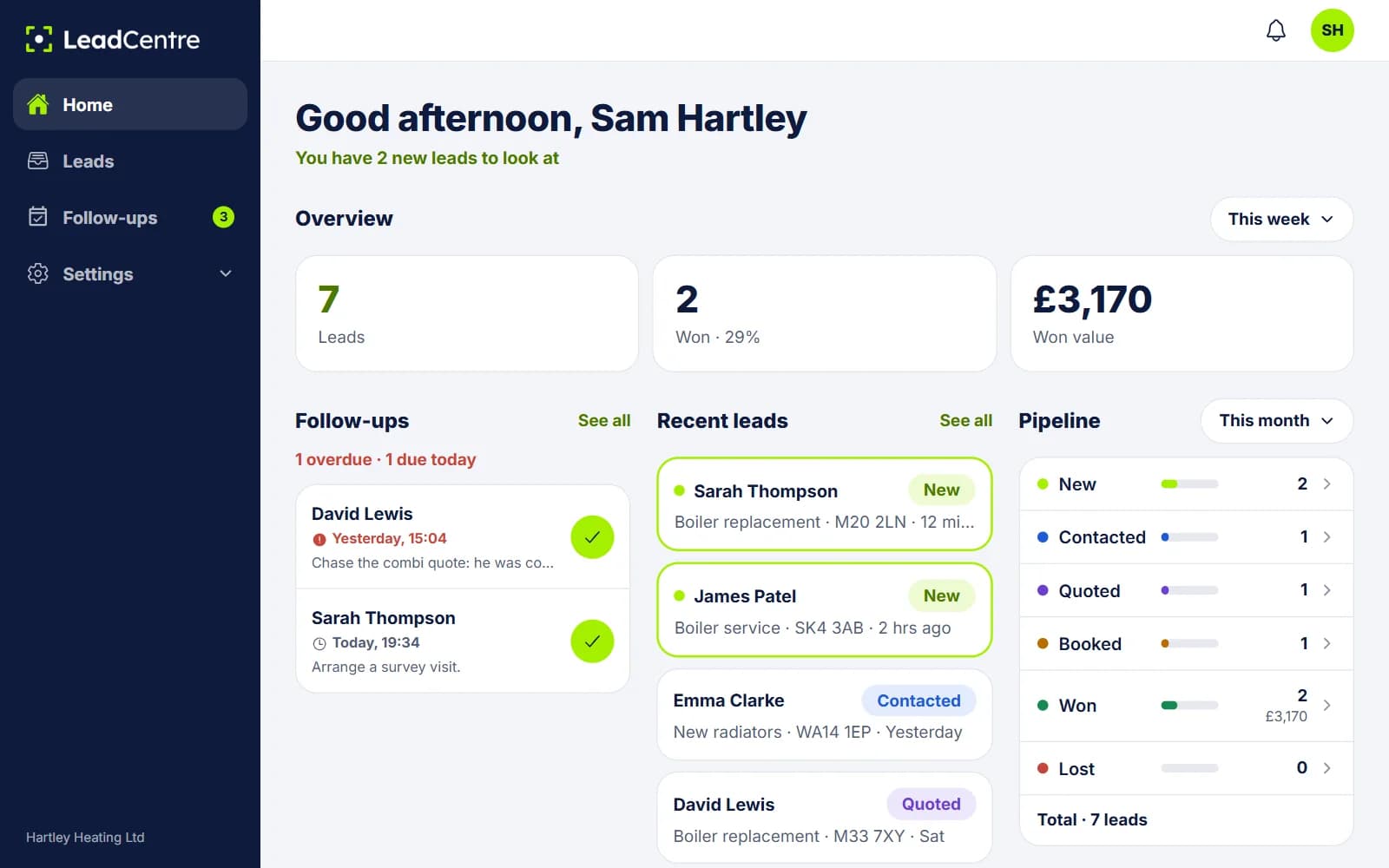
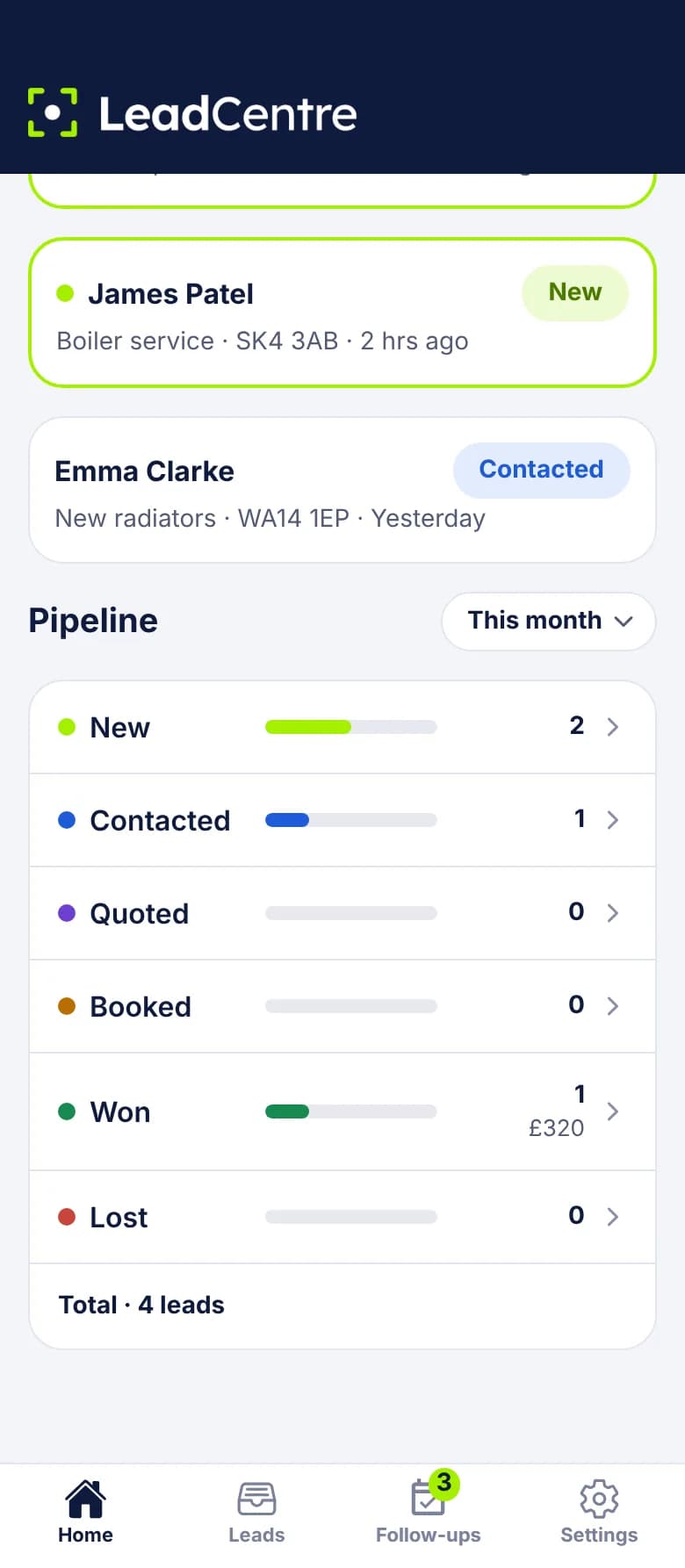
Open a client and you see the same screens they do, with all of that client's leads.
- Overview: leads, won with win rate, and won value, over Today, Yesterday, This week, This month or All time.
- Pipeline: lead counts for each status and the value of won jobs, for This month, Last month, This year or Last year.
- Follow-ups: what's Overdue, due Today and Upcoming.
- Leads: every lead with its status, job value, folder and source. A lost lead shows the reason if one was recorded.
Getting there
- 1
Open the agency portal
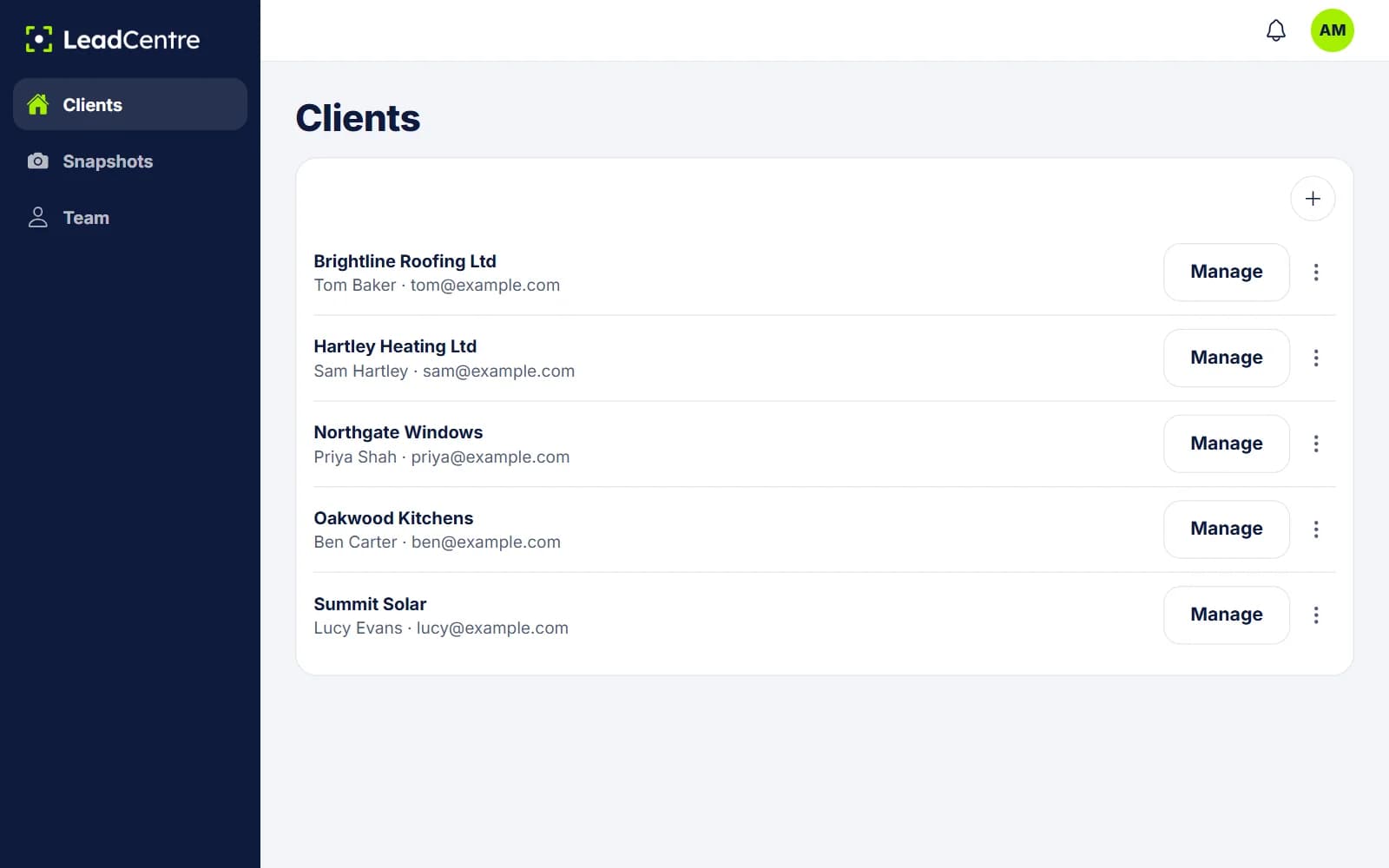
You see a list of your clients with their company, contact and email. The list doesn't show figures.
- 2
Tap Manage on a client
You're now inside that client's account. An Agency Admin can open any client. An Agency User can only open clients assigned to them.
- 3
Read Home
The overview and pipeline are there. Tap a status to see the leads behind the number. Read the list before opening an unread lead: opening one from here marks it as seen for the client too.
- 4
Move to the next client
Go back to the list and tap Manage on the next one. Agency staff can also switch accounts in the mobile app.
What doesn't exist yet
We'd rather you knew this before you buy.
- No cross-client report. You can't see one set of totals for all your clients. This is Coming Soon.
- No agency-wide dashboard of figures. Comparing clients means opening each one.
- No PDF, export or scheduled email report. To send figures to a client, you'd copy them or take a screenshot.
- No split by source. A client's figures aren't divided by campaign or lead source, though the source shows on each lead.
- Nothing goes back to the ad platforms. Meta and Google conversion feedback is Coming Soon.
A monthly client review using what's there
You can run a useful client conversation with the per-client screens. Our guide on how agencies can improve client lead conversion has more on what to raise.
Why the figures are only as good as the habits
Everything here comes from what people record. If a client never marks a lead Won, the won value stays at zero and the lead keeps its old status. That can look like poor lead quality when it's really a gap in the record.
It's worth agreeing one rule with each client when you set them up: mark Won or Lost when you know, and enter the job value then. You can also go in with Manage and update leads for them, if that's part of your service.
Common Questions
Is there a report across all my clients?
Not yet. Cross-client reporting is labelled Coming Soon. Today you open each client to see its figures.
Can my client see the same figures?
Yes. When your client signs in, Home shows them the overview and pipeline for their own account. A User on that account only sees the leads they're allowed to see.
Can one client see another's figures?
No. Each client account is separate, with its own leads, users, connections, pipeline and figures.
Can I export a client's leads or figures?
There's no export today. If you need the figures elsewhere, you'd copy them across by hand.
Can I limit which clients my staff can see?
Yes. Agency Users only see the clients assigned to them. Agency Admins can reach every client.
See what happens to your clients' leads
Give each client their own account, then open any of them to see where their leads have got to.